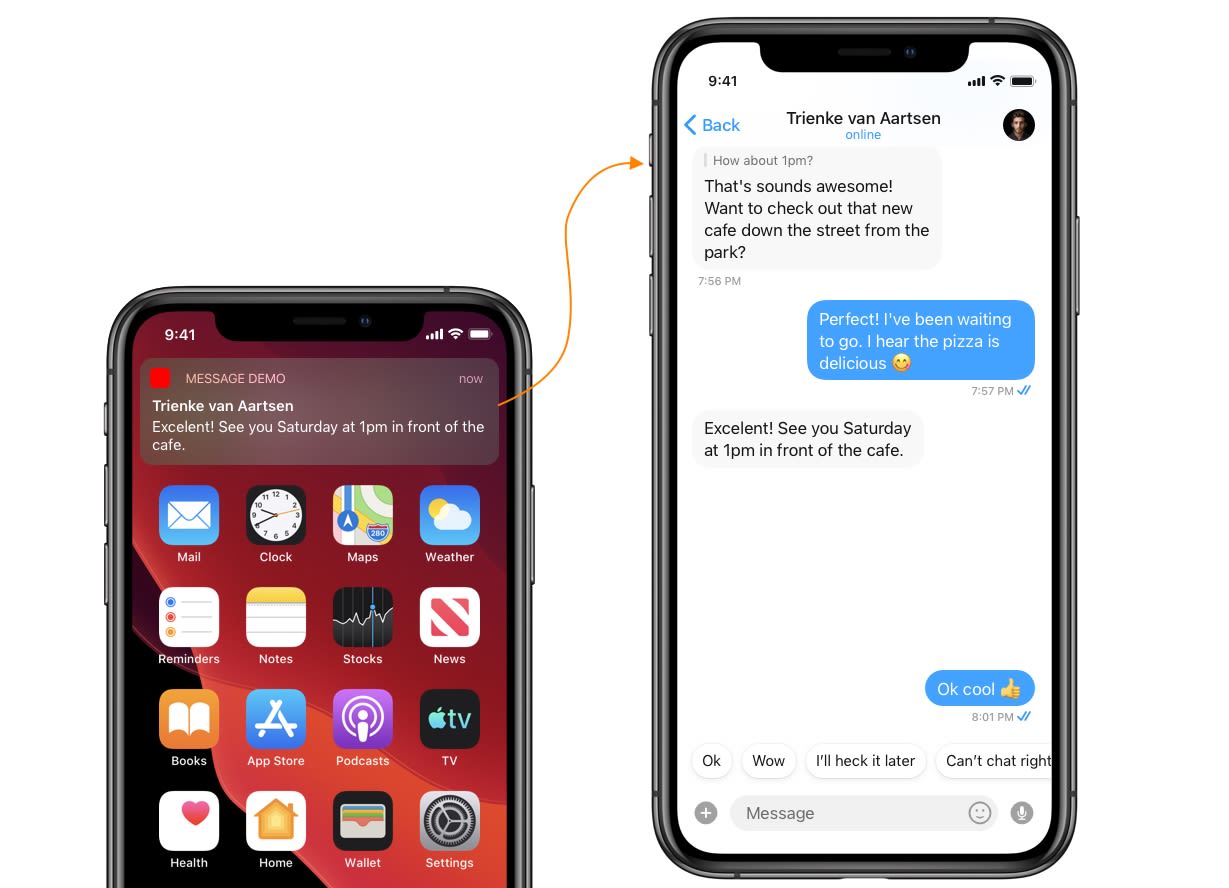
This guide helps you to launch a chat window from the UI Kit library on receiving a new message notification.
CometChat SDK & UI Kit both need to be configured before launching the chat window.
Step 1. Process push notification payload and grab User or Group object
To present a chat window, firstly you will need a User or a Group object. You can grab this from the push notification payload itself of incoming message notification. You need to call CometChat.processMessage() method to process push notification payload.
Step 2 . Launch Chat Window
You can launch the chat window from your base view controller after you tap on the Message Notification. This method uses NotificationCenter to trigger and present a chat window.
- In this method you need to fire notification after you receive the
User or Group Object.
- In Notification’s user info you can pass
User or Group Object to that desired notification.
Trigger notification from App Delegate
- On the other hand, you need to observe for the above notification in your base view controller.
- Base view controller is a controller that launches immediately after the app delegate.
- Base view controller should be present to observe the notification when notification fires.
- If the view controller is not present in the memory when a new notification receives, then it won’t launch Chat Window.
Observe notification in Base View Controller
Add selector method & Launch Chat Window